
How to Start Learning Animation: Essential Skills, Software and Beginner Projects
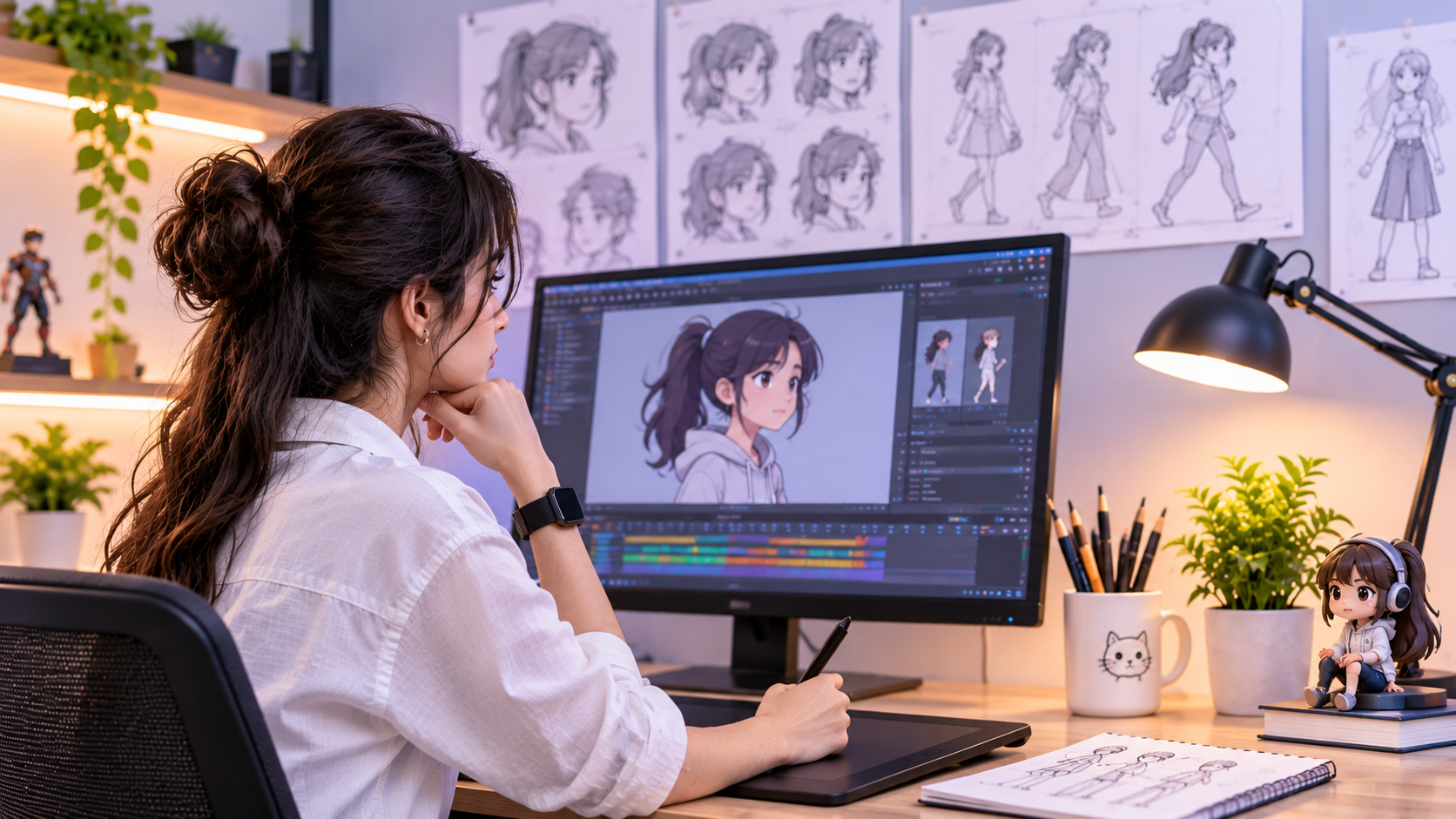
If you want to learn animation, start small. You do not need to begin with a complex character, a cinematic scene or expensive software. Learn how movement works, practise timing and spacing, and build short exercises that make one idea clear at a time.
Animation is more than moving an object from one point to another. Good animation communicates weight, intention, rhythm and personality. Software helps you create movement, but observation, planning, feedback and repeated practice build your judgement.
This guide explains how to learn animation as a beginner, which fundamentals to study first, how to choose software, what projects to make and how to organise a realistic practice routine. Progress depends on practice time, feedback and whether you choose 2D, 3D or motion graphics.
Quick answer: how to learn animation as a beginner
- Observe real movement and break it into clear poses and actions.
- Study timing, spacing, anticipation, squash and stretch, arcs and follow-through.
- Start with simple exercises such as a bouncing ball, pendulum or flour-sack action.
- Choose one suitable tool and learn only the features needed for the current exercise.
- Complete short projects before attempting a long film or complex character scene.
- Review work frame by frame, seek specific feedback and revise it.
- Save your best exercises and explain what you practised in each one.
1. Understand the main types of animation
| Type | What you create | Beginner starting point |
|---|---|---|
| 2D animation | Movement using drawings or 2D digital elements. | Bouncing ball, simple shape transformation, walk cycle. |
| 3D animation | Movement of 3D models or rigs in a digital scene. | Object turn, bouncing ball with depth, simple character pose. |
| Motion graphics | Animated text, shapes, icons and graphic layouts. | Animated title, logo reveal, short explainer sequence. |
| Stop motion | Movement created by photographing physical objects in small increments. | A simple object moving across a table; keep camera and lighting fixed. |
These fields share timing, spacing and clear communication, but their workflows differ. Try small exercises, then choose the path that best matches the work you enjoy.
2. Essential animation principles to learn first
| Principle | Meaning | Practice idea |
|---|---|---|
| Timing | How long an action takes; it affects speed, weight and mood. | Animate the same ball drop with different frame counts. |
| Spacing | How far an object moves between frames; it shapes acceleration. | Compare even spacing with spacing that gradually increases. |
| Squash and stretch | Controlled shape change that can communicate impact or flexibility. | Animate a soft ball bouncing; keep deformation readable. |
| Anticipation | Preparation that helps the audience read the next action. | A character crouches slightly before jumping. |
| Arcs | Many natural actions follow curved rather than rigid straight paths. | Track the path of a swinging hand or bouncing ball. |
| Follow-through and overlap | Parts of an object settle at different times. | Animate a tail, scarf or hanging object after a turn. |
| Slow in and slow out | Movement often accelerates and decelerates. | Create a move that eases into its final position. |
| Staging and clarity | Present the action so the viewer understands what matters. | Keep the silhouette and main action easy to read. |
Do not try to apply every principle to every exercise. Pick one or two goals, make a short test and compare versions.
3. Step-by-step roadmap for learning animation
Step 1 — Observe motion before animating
Watch everyday actions such as a ball bouncing, a person sitting down or a door opening. Notice the starting pose, contact, fastest part and final settle.
Output: an observation sheet or sequence of key poses.
Step 2 — Learn key poses and timing
Block the important poses first. Decide what the action should communicate, then adjust holds and movement between poses. Avoid detail before the action reads clearly.
Output: a simple action shown in a few readable poses.
Step 3 — Practise a bouncing ball
Explore timing, spacing, arcs and squash and stretch. Make separate versions for a heavy ball and a light rubber ball.
Output: two short versions and a note explaining what changed.
Step 4 — Add arcs and follow-through
Practise a pendulum or an object with a flexible part. Make the path and settling motion intentional.
Output: a short pendulum or follow-through exercise.
Step 5 — Choose a 2D, 3D or motion-graphics path
2D may involve drawing and pose design; 3D may involve rigs and graph editors; motion graphics often uses typography and composition. You do not need to master every specialisation at once.
Output: one chosen path and a project brief.
Step 6 — Learn one tool through a project
Learn the interface, timeline, playback, keyframes and export process needed for the exercise. Add features only when the project needs them.
Output: a rendered exercise and saved editable project.
Step 7 — Refine using feedback
Watch at normal speed and frame by frame. Check clarity, timing, accidental pops and whether the movement feels intentional. Ask reviewers one specific question.
Output: a revised version and a short list of changes.
Step 8 — Build a small portfolio
Select a few relevant pieces. Show clear, finished work and explain the skill each demonstrates. Label reference studies honestly.
Output: an organised portfolio with concise captions.
4. Animation software for beginners
There is no single best animation software for every beginner. Choose based on your intended format, computer capability, learning resources, budget and the kind of work you want to create. Start with one tool rather than switching every week.
| Tool/category | Possible use | Before choosing |
|---|---|---|
| Blender | 3D creation, modelling, rigging and animation. | Check hardware requirements and learn basic navigation first. |
| Pencil2D | Simple 2D hand-drawn animation. | Useful for exploring frame-by-frame drawing; check current platform details. |
| Krita | Digital painting with animation capabilities. | Confirm that its animation workflow suits your project. |
| OpenToonz | 2D animation with a production-oriented workflow. | Start with a tiny exercise while learning the interface. |
| Adobe After Effects | Motion graphics and compositing workflows. | Check current pricing and system requirements. |
| Software used in a course | Guided exercises aligned with the programme. | Ask which version is used and whether access costs extra. |
This is a starting comparison, not a live pricing audit. Confirm current features, licences and system requirements on official product websites.
5. Beginner animation projects to build skill
| Project | Main skill | How to judge it |
|---|---|---|
| Bouncing ball | Timing, spacing, arcs, squash/stretch. | Does movement communicate weight? Is the bounce readable? |
| Pendulum or swinging object | Arcs, overlap and easing. | Does it swing smoothly and settle believably? |
| Simple object drop | Anticipation, impact and settle. | Can the viewer read the impact and final state? |
| Flour-sack or simple character jump | Key poses, anticipation, timing. | Is the action clear without facial detail? |
| Short walk cycle | Weight shift, balance, rhythm. | Does the character feel grounded rather than sliding? |
| Animated title or icon | Timing, transitions and graphic clarity. | Does motion support the message rather than distract? |
Finish one exercise before starting the next. Save early versions so you can compare improvements and explain the lesson learned.
6. A realistic four-week practice plan
| Week | Focus | Practice output |
|---|---|---|
| 1 | Observe motion; learn timeline, playback and keyframes. | Two bouncing-ball variations. |
| 2 | Practise spacing, arcs, easing and follow-through. | Pendulum or swinging-object exercise. |
| 3 | Choose 2D, 3D or motion graphics and build a small action. | A short project with a clear beginning, action and ending. |
| 4 | Review, revise, export and document the work. | Two or three polished exercises with captions and reflection. |
If it fits your schedule, practise for 30–60 minutes on practice days: spend a few minutes observing, most of the session animating, and the final minutes reviewing and noting one change for next time. Four weeks can structure a first set of exercises; it does not guarantee professional competence.
7. How to review and improve your animation
- Watch at normal speed first: does the action read without explanation?
- Review frame by frame: are key poses clear and transitions intentional?
- Check timing and spacing: does movement feel too slow, too fast, weightless or mechanical?
- Check the path: does the action follow a clear arc where appropriate?
- Look for accidental pops, sliding, inconsistent volume or distracting secondary motion.
- Ask for targeted feedback, such as “Does this ball feel heavy?”
- Revise one or two issues at a time and compare versions.
8. Common beginner mistakes
- Starting with a complex character or long film before practising basic movement.
- Changing software repeatedly instead of finishing small exercises.
- Adding detail, lighting or effects before timing and poses work.
- Using reference footage without observing the underlying movement.
- Practising without saving versions or asking for specific feedback.
- Copying another animator’s work and presenting it as entirely original.
- Assuming software knowledge alone proves animation skill.
- Expecting a fixed number of weeks to guarantee a job or mastery.
9. Do you need drawing skills to learn animation?
Drawing can be especially helpful in hand-drawn 2D animation, storyboarding and visual development. Other paths, including many 3D and motion-graphics workflows, may put more emphasis on timing, observation, posing, spatial thinking and software workflows. Requirements depend on the specialisation. Beginners can start with simple shapes and objects while developing the skills their chosen path requires.
10. How to choose an animation course
Compare practical work rather than judging a course only by software names or promotional claims. Ask for the current syllabus, amount of animation practice, feedback frequency, project briefs, portfolio support, hardware/software requirements, fees, duration, eligibility and exact qualification awarded.
- Does the curriculum teach animation fundamentals and timing—not only software commands?
- Will you complete short exercises before moving to complex scenes?
- Do instructors review work and explain how to improve it?
- Can you see relevant student projects and understand each student's contribution?
- Are software licences, hardware needs, fees and course outcomes clearly explained?
- Does the programme fit your intended path: 2D, 3D, motion graphics or another specialisation?
11. Frequently asked questions
How do I learn animation from scratch?
Start by observing movement, learning timing and spacing, practising a bouncing ball and pendulum, then build short projects in one chosen tool. Review and revise each exercise.
Which animation software is best for beginners?
It depends on whether you want 2D, 3D or motion graphics, your device and budget. Choose one suitable tool and confirm its current requirements and licensing.
Can I learn animation without drawing?
You can begin with 3D animation or motion graphics using simple objects and shapes. Drawing is more relevant to some 2D paths, storyboarding and visual development.
How long does it take to learn animation?
There is no universal timeline. A four-week plan can organise introductory exercises, but progress depends on practice, feedback and complexity.
What is the first animation project I should try?
A bouncing ball is useful because it lets you practise timing, spacing, arcs and squash and stretch without managing a complex character.
Should I learn 2D or 3D animation first?
Try a small exercise in each if unsure, then choose based on the process you enjoy and the work you want to make.
Can I get a job after learning animation software?
Software knowledge alone does not guarantee employment. Fundamentals, completed projects, portfolio quality and role-specific skills also matter.
What should an animation portfolio include?
Include a few relevant, finished pieces that show skills for your target path. Add captions and distinguish original work from reference studies.
12. Explore animation learning options at Design Engine Saket
If you are considering structured animation learning, review the current 3D Animation & VFX programme and ask about the syllabus, 2D/3D coverage, software access, practical exercises, feedback, portfolio development, eligibility, duration, fees and qualification details. Review relevant student work where available, and choose based on the practice and support provided rather than an unverified employment promise.
For general questions, contact the team to discuss the current curriculum.